
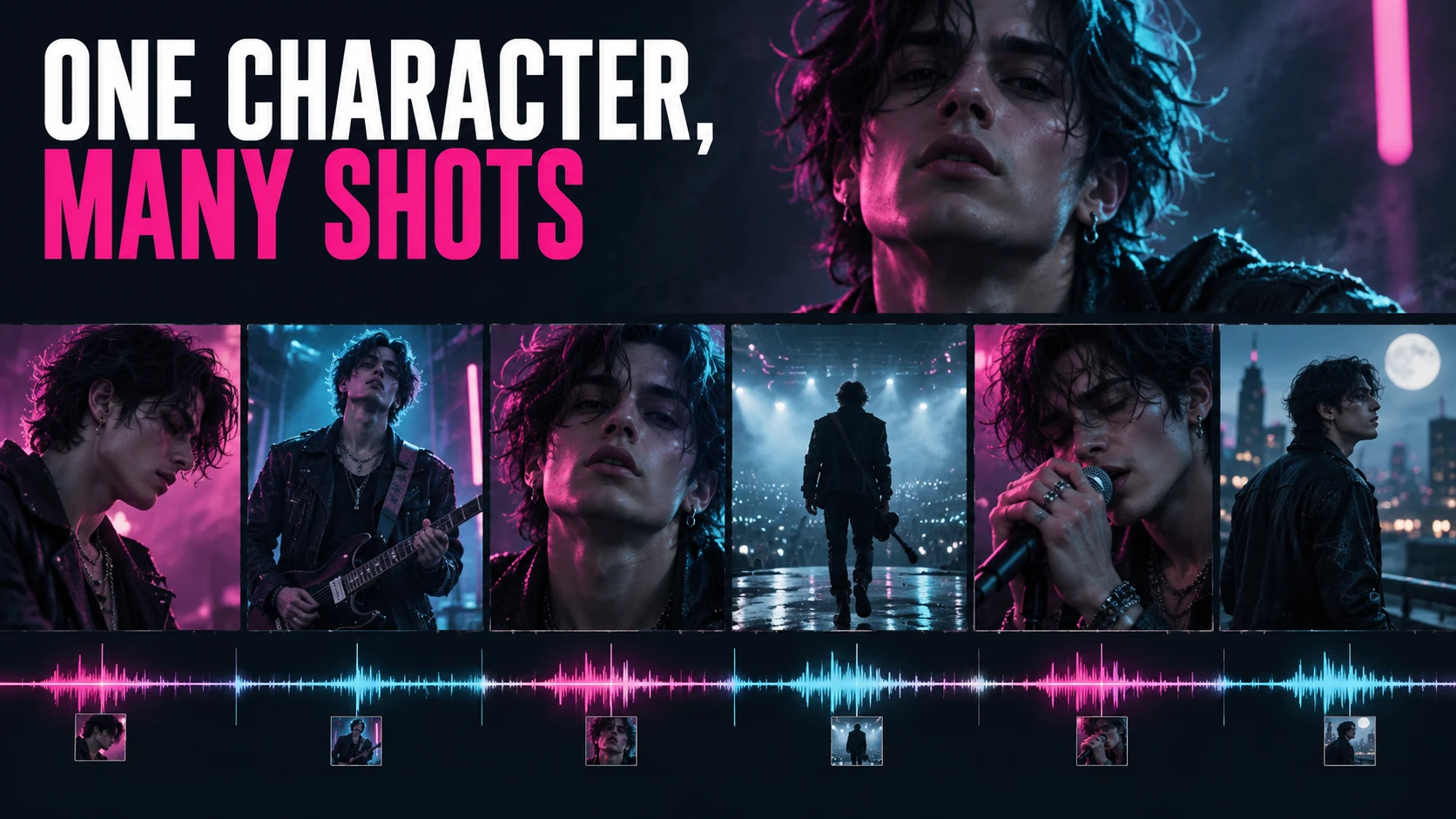
A character is consistent when a viewer can still recognize them after the shot changes, the expression shifts, the light goes moody, and the camera starts moving. Typing the same name into a prompt every time is not evidence of anything. A reference image sets a starting point. The video is what has to carry that identity through the frames you actually intend to cut together.
So here’s the order I’d work in: approve the character before you pay to animate a whole song. If the stills already disagree about the face or the wardrobe, motion doesn’t fix that — it stacks a second problem on top of a design that was never settled.
This is a documentation-based continuity workflow. ACLTracks did not generate a character sequence or measure recognition across clips for this article. The proposed checks describe work to perform on your own approved original character.
Lock a small set of defining features
Start from an approved character sheet or reference set, not from whatever the last generation happened to hand you. Write down the things that must persist: face shape, hair silhouette, distinguishing features, proportions, wardrobe elements. Then decide what’s allowed to move. A jacket can be an intentional costume change. A different face cannot quietly become one.
Keep the identity reference and the style reference in separate buckets. A moody lighting plate is there to guide atmosphere, not to define what the singer looks like. Mix the two without a clear reason and you lose your ability to diagnose the failure — you won’t know whether the character changed or the lighting simply buried a feature.
For a fictional music-video performer, use material you created or have permission to use. If a real person’s identity is involved, keep the relevant permission on file. And don’t assemble reference fragments from unrelated people and then treat the result as automatically clear of identity questions.
Know what reference control establishes
Runway: Gen-4 Image References supports up to three image references and recommends evenly lit images with neutral expressions for character work. Note what that is: an image-generation workflow. It can get you approved shot stills. It does not establish consistency across every frame of a video you generate later.
Runway: Image to Video prompting describes the input image as defining composition, subject, lighting, and style, with text directing motion and progression. That points to a sensible order of operations: settle the still, then describe how the shot moves. It does not remove the need to watch what comes back.
Google DeepMind: Veo reference images and creative controls also describes reference-image guidance for characters across scenes. Treat that as a documented control and a vendor objective. The evidence that your character stays recognizable is the sequence you actually make, with the interface, settings, and inputs you actually used.
Approve the difficult stills first
Build the set: a front-facing close-up, a three-quarter view, a wider body view, and whatever profile the shot list needs. Check the same defining features in each one. If the video calls for hard colored light or a costume change, approve examples of those conditions before you produce every scene.
Don’t let one attractive variant quietly replace the baseline. Put it beside the locked reference and record the decision if you accept a design revision. If the character changes on purpose, go back and update the earlier accepted shots, or explain the transformation in the concept.
Keep a contact sheet of approved stills with shot identifiers. Side by side, differences jump out that you’d miss judging each image alone. It also gives collaborators one shared identity record instead of a chat thread full of competing favorites.
Animate a small risk sample
Pick a handful of clips covering the hardest conditions: a head turn, an expressive close-up, movement through changed light, and a wider shot where hands or props are visible. Keep the generation budget bounded and keep the rejects. A stationary view passing does not prove a whole video can be built around this character.
Describe the required motion clearly. In image-to-video, don’t rewrite the approved appearance with contradictory text. If a shot starts from a particular still, keep that file and document its relationship to the output. Swap the reference later and you’ve changed the experiment rather than repeated it.
Watch the whole clip at normal speed first, then go frame by frame through the hard moments. Face proportions, eye placement, hair boundaries, clothing details, interactions with objects. Separate a brief distortion from a sustained identity shift, and decide what the final cut can tolerate.
Judge continuity in sequence
Cut the candidates into the planned order and play them against the music. A face can look plausible in every isolated clip and still read as a different performer after each cut. Compare the frames around the transitions, not just the shots themselves.
Hand it to another viewer and ask what changes, without naming the tools or showing reference labels. Keep their notes separate from yours before you discuss them. That’s a small private check, not a recognition benchmark, and it doesn’t prove every audience will agree.
Check wardrobe, props, screen direction, and location alongside the face. The singer can hold steady while the microphone changes shape or swaps hands. That still reads as a broken sequence, even if a face-only score looks strong.
Repair the right stage
If the approved still is wrong, correct the still before animating it again. If identity drifts only during motion, simplify the move, choose another candidate, or use a different shot construction. Hold the approved baseline and change one meaningful thing at a time.
Cropping, shorter edits, and cutaways can help a finished sequence. Log them. A character that survives through careful selection is a production result, not evidence that every generated clip preserves identity automatically. Don’t hide every difficult moment and then claim unrestricted consistency.
Review alternate aspect ratios and final exports. A crop can remove a distinguishing feature or enlarge an artifact that was barely visible in the working view. Keep the source footage and the finished sequence so the editing contribution remains clear.
The recommendation is to prove continuity on the demanding shots before expanding to the full music video. Lock the identity, approve the stills, test motion, then review the cut. A recognizable performer comes out of that chain of decisions — not out of repeating the same character name and hoping it holds.
Sources and scope
Official documentation was checked October 12, 2026. Product descriptions are documented capabilities or vendor claims. Evaluation procedures and examples are proposed work, not completed ACLTracks tests.
