
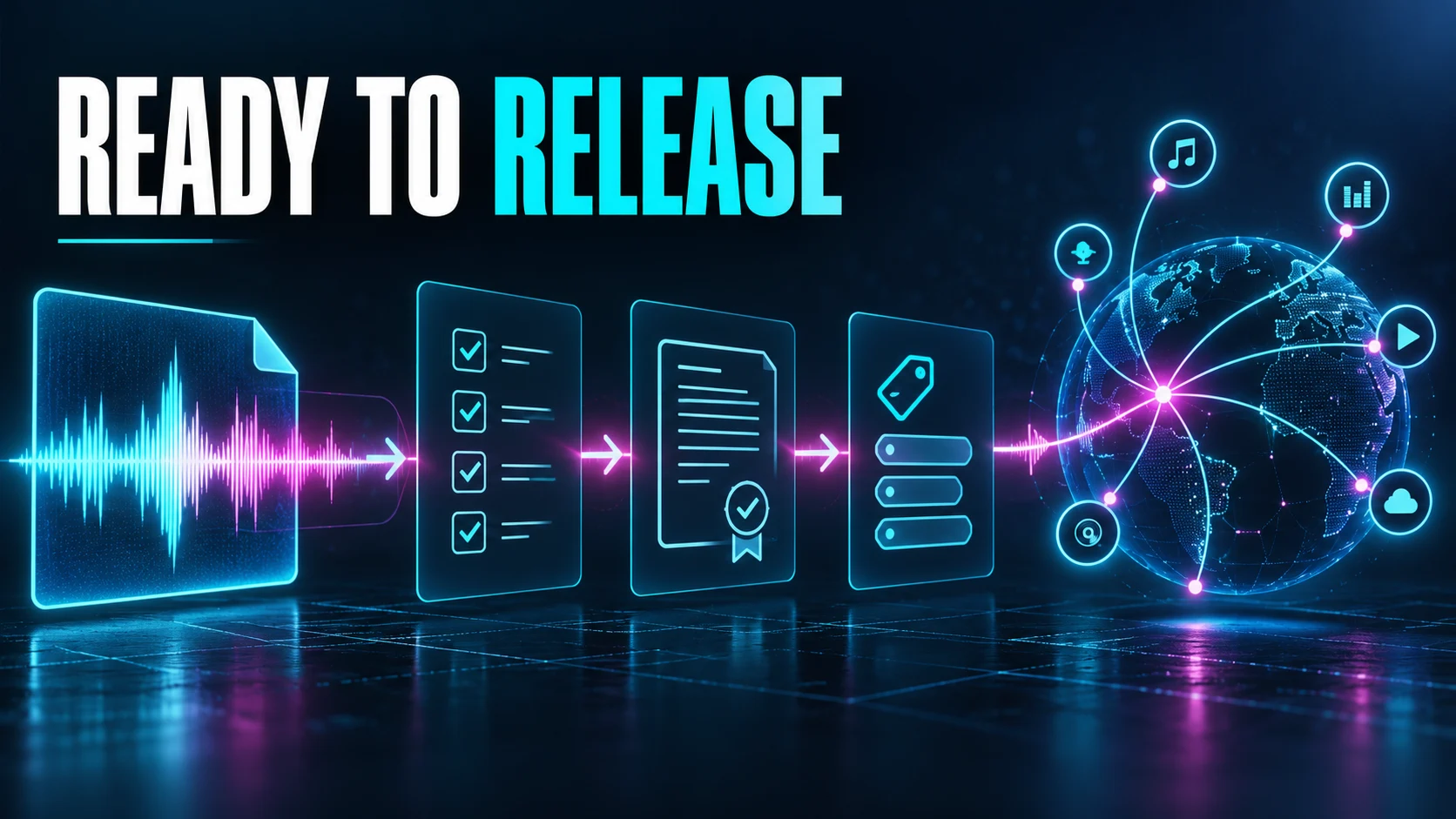
Before You Upload an AI Song to DistroKid: A Release Checklist
DistroKid’s acceptance of AI-made music does not mean every AI song is ready to distribute. The release decision depends on the recording in front of you: where its audio and lyrics came from, which permissions apply, whether the artist information is accurate, and which exact file you plan to submit.
DistroKid: Music made with AI tools says AI-made music is accepted when it meets conditions covering rights ownership, permission to use someone’s identity, restrictions on mass-generated spam, and non-infringement. It also says streaming services may reject or remove releases that do not meet their guidelines. That is conditional access to a distribution route, not a promise that a store will accept a particular release.
This checklist reflects official guidance checked October 12, 2026. ACLTracks did not submit a release or obtain a store acceptance decision for this article. It is a preparation workflow, not a legal determination about any particular song.
1. Identify the exact version you plan to release
Give the final recording a stable filename and version number. Record the service, model if known, creation and download dates, and any later edits. Keep the original generation separate from remixes, extensions, uploaded references, and new human performances. If the final release combines several sources, document each one.
Make a simple asset list: final master, lyrics, samples, recorded vocals, artwork, and any reference audio incorporated into the result. For each item, note who supplied it and what permission supports the intended use. A subscription receipt may document your relationship with a service. It does not explain an unrelated borrowed lyric or recording.
2. Match Suno’s current terms to your song’s route
Suno: Rights with a paid subscription says songs downloaded while subscribed receive commercial-use rights. Suno: Monetizing a remix, updated October 6, 2026, says an original creator may qualify their own work made outside a paid subscription by using a paid download credit. It says another creator’s remix is not eligible for monetization under that guidance. Suno: Free trial downloads remain limited to personal, non-commercial use.
This differs from Suno: Ownership guidance dated January 7, 2026, which frames ownership around subscription status at the time of creation. These pages should not be collapsed into one timeless rule. Keep the applicable dates and terms, and resolve uncertainty about your specific version before distribution. Download eligibility, ownership language, and third-party permissions are related, but they are not the same question.
There is another boundary in the Suno: Terms of Service. Its Remixes section restricts covered remixes to personal, non-commercial use, and its commercial-use paragraph expressly does not authorize a Remix. The help page’s guidance about an original creator’s own work is not blanket clearance for every operation called a remix. If the terms do not make your exact route clear, confirm which provision or separate offering applies. The terms also require an approved download channel for permitted commercial exploitation.
3. Do not confuse service permission with copyright
Suno’s paid-rights page does not guarantee copyright protection. In the United States, the U.S. Copyright Office: AI copyrightability report announcement says sufficient human expressive authorship can support protection, while prompts alone do not provide that control. Human-written material, creative arrangements, and modifications need to be considered according to the actual contributions.
Document those contributions honestly. Keep original lyric drafts, recorded takes, MIDI, edits, and arrangement versions when they exist. Do not describe generated passages as performances you recorded. These records can help explain how the work was made. Their existence alone does not settle its legal status in every jurisdiction.
4. Clear samples and identity use
Review the samples, recognizable borrowed material, voices, artwork, and artist presentation in the release. DistroKid’s AI guidance prohibits copying or mimicking another person’s voice, likeness, or identity without permission. An original artist name does not resolve an unauthorized imitation within the recording.
If a sample license allows use in a recording, keep the license and source identifier. Check what uses it actually permits instead of relying on a filename that says “free.” If a collaborator supplied material, collect the relevant permission and agree on credit before scheduling the release.
5. Make a separate decision about Content ID
DistroKid: YouTube Content ID eligibility lists sample-library audio and other sounds you did not create yourself among the exclusions for recordings submitted through that extra. A legally usable, non-exclusive sample can therefore still make a recording ineligible. Distribution and automated ownership claims have different requirements.
Do not opt in just because a song sounds unique or includes AI. Check the eligibility conditions for the recording and service you selected. If your source records do not support the claim being made, leave the extra unselected while you resolve the issue. A successful upload form does not prove eligibility.
6. Listen to the final file from beginning to end
Listen outside the working session. Check the opening and ending, sung words, transitions, stray vocal fragments, and accidental clipping. Confirm that you have the approved master, not an earlier candidate or temporary stem mix. A file can meet technical requirements and still not be musically finished.
DistroKid: Accepted audio file formats lists WAV, MP3, M4A, FLAC, AIFF, and WMA. A lossless master is a sensible delivery choice when available. Converting a lossy download to WAV changes its container; it does not restore detail already discarded. Preserve the best original export and avoid unnecessary conversions.
7. Make the metadata match the release
Prepare the artist name, title, version designation, explicit-content answer, contributor credits, and artwork before uploading. Answer any current AI disclosure fields accurately as they appear in the form. Do not invent a performer or songwriter biography to make the project look conventional.
Compare the metadata with the final lyrics and artwork, then save a review copy of what you plan to submit. If the song is a cover, remix, or includes another recording, resolve the right route rather than assuming every AI-assisted version uses the same designation.
Release after the open questions are settled
Complete the permission record and audio review before choosing a public release date. Keep the master, accurate metadata, and source history together. If a store later asks a question, you should be able to identify the exact file you submitted and the records behind that submission.
Sources and scope
Official documentation was checked October 12, 2026. Product descriptions are documented capabilities or vendor claims. Evaluation procedures and examples are proposed work, not completed ACLTracks tests.
- DistroKid: Music made with AI tools
- Suno: Rights with a paid subscription
- Suno: Monetizing a remix
- Suno: Ownership guidance dated January 7, 2026
- Suno: Free trial downloads
- Suno: Terms of Service
- U.S. Copyright Office: AI copyrightability report announcement
- DistroKid: Accepted audio file formats
- DistroKid: YouTube Content ID eligibility
