
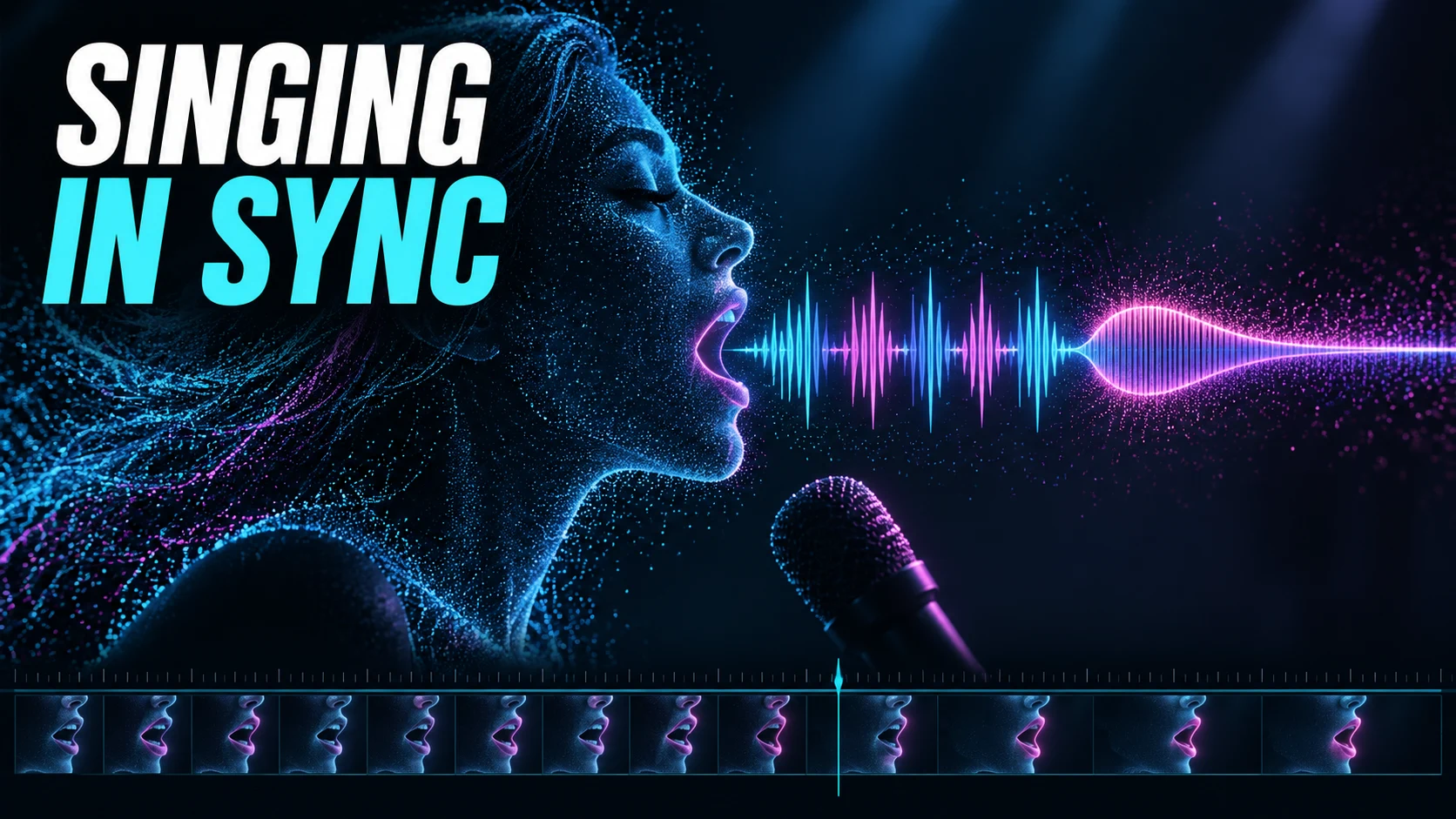
Singing Lip Sync Is a Performance Handoff, Not a Feature Toggle
A singing face has to do more than register that sound is happening. It has to make fast consonants readable, hold a plausible vowel through a long note, and stop performing when the vocal stops. A convincing still frame and a head that moves on the beat prove nothing about lip sync.
Before I generate a whole song, I test the fastest line and the longest exposed note. Those two moments ask different things of the model, and passing one tells you almost nothing about the other.
ACLTracks did not generate or score singing videos for this article. What follows distinguishes documented workflows and proposes an evaluation. There is no measured synchronization result here and no product ranking.
Singing support depends on the feature
HeyGen: Avatar IV and uploaded songs explicitly suggests uploading a song as audio input to animate a singing avatar. That is relevant documented support. Its description of realistic synchronization and expression is a vendor claim, not a finding that every lyric passage or style will succeed.
The same company’s HeyGen: Video Translation and singing limitations warns that singing and music may be translated inconsistently and recommends avoiding singing-led source videos for that feature. Avatar animation and video translation are different jobs. Don’t move a capability claim from one to the other just because both involve lips.
Runway: Deprecated standalone tools lists the standalone Lip Sync tool as replaced by Act Two on May 27, 2026. Runway: Performance Capture with Act-Two uses a driving performance video plus a character image or video. An audio-upload avatar and a performance-driven character workflow therefore require different input preparation. Older click-by-click tutorials can describe a tool that is no longer available.
Freeze the song before animating the mouth
Work from the intended final vocal timing and lyrics. Move a phrase, replace a word, or stretch the chorus later, and the approved face animation may no longer match. Keep the audio version and its start position identified beside each generated clip.
Where the workflow accepts a vocal-focused input, decide whether to supply an isolated vocal or a full mix, and label it. A separated vocal is not an original isolated recording. Audition it for missing consonants, residual instruments, and changes that could affect the performance reference.
Keep any cleanup or timing correction as a separate version. If you evaluate a processed input, report that condition. Do not claim the tool handled the original dense mix when the actual input had already been separated and edited.
Build four short test passages
Choose an original fast lyric line with several distinct consonants. Include a sustained vowel, a phrase followed by silence or breath, and a passage with visible head movement or a change in expression. Use the same passages when comparing suitable workflows — otherwise you are testing your own test design instead of the tools.
The fast line tests whether visible articulation follows the sequence rather than approximating a talking rhythm. The sustained note tests whether the mouth holds and changes plausibly through the sung vowel. The silence tests whether movement settles when the singer is no longer sounding.
For the motion passage, keep the face sufficiently visible to judge synchronization. If the final video requires profiles, microphones, hands near the face, or dramatic lighting, test those conditions separately after a clear baseline. Otherwise you cannot tell whether the failure came from articulation or visibility.
Prepare each workflow honestly
For an audio-driven avatar, retain the character input, audio file, selected engine, settings, and returned clip. Confirm that the audio was supplied to the avatar performance route rather than added only as background music. Those choices can produce very different relationships between face and soundtrack.
For a driving-performance workflow, record or obtain a permitted performance matching the intended phrase. Keep that video as an input record. If you mime to the song, identify it as a mime; if you sing a guide, preserve the guide audio and explain how the final recording is aligned.
Runway documents different movement behavior for character images and character videos in Act-Two. Check the applicable controls rather than assuming a camera move, gesture, and facial expression are all transferred in the same way. A workflow that asks you to supply a useful performance has a real production cost before generation begins.
Separate global offset from local failure
Play the output at normal speed with the intended soundtrack. If the whole face appears consistently early or late, inspect the start alignment. Moving a complete clip can address a global offset; it cannot correct a line whose individual syllables drift unpredictably.
Then inspect selected moments frame by frame. Watch visible closures on consonants such as p, b, and m, the transition into the sustained vowel, and the release into silence. These are listening and viewing landmarks, not a rule that every sound maps to one unique mouth shape.
Record observations at timestamps. Avoid reporting precision finer than the source permits. At 24 frames per second, one frame spans about 41.7 milliseconds. That arithmetic describes the inspection interval; it is not a measured error in any video here.
Judge the performance as well as the alignment
Look for plausible expression, stable facial identity, and transitions between quiet and forceful delivery. A mouth that broadly follows syllables can still look detached from the song. Evaluate synchronization and expressive suitability separately so neither hides the other.
Log candidate selection and any repair. Trimming, moving the clip, replacing a difficult phrase, or cutting away can create a usable music video. Report that finishing work rather than treating the assembled result as a direct one-pass output.
Check the final exported video with the final audio. Listen and watch the joins between clips, especially when each was generated from a separate excerpt. Keep the source inputs and timing map so another editor can identify what changed.
The recommendation is to approve the difficult vocal passages first and expand only after the chosen workflow supplies usable material. Singing lip sync is a performance handoff. The finished face, phrase timing, and soundtrack need to agree in the actual edit.
Sources and scope
Official documentation was checked October 12, 2026. Product descriptions are documented capabilities or vendor claims. Evaluation procedures and examples are proposed work, not completed ACLTracks tests.
