
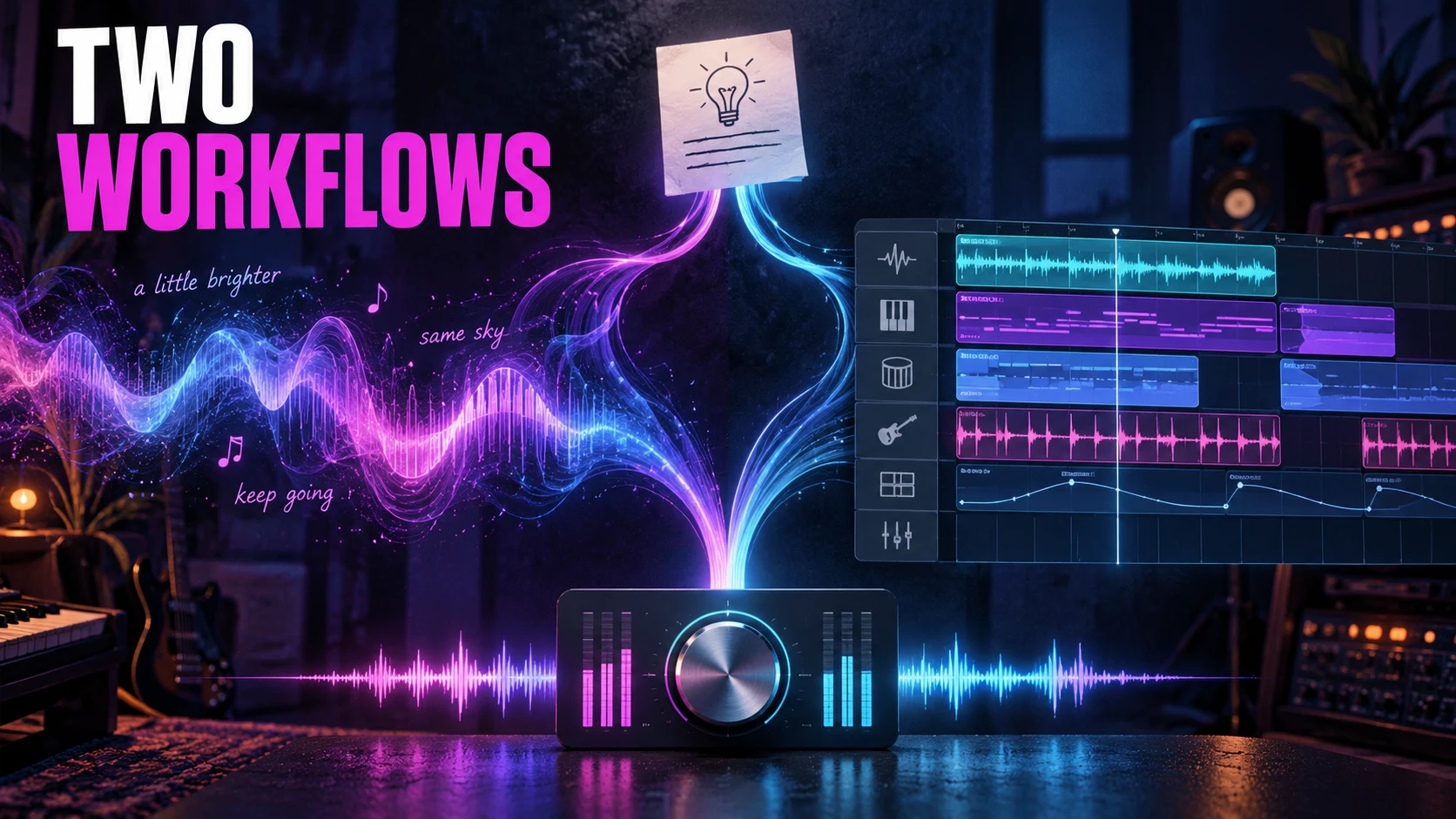
The First Take Proves Nothing: ElevenLabs and Suno Under One Fixed Brief
Any AI music tool can hand you a first take that sounds like a record. The second verse is where the demo turns into a decision. Wrong words, a chorus that arrives four bars late, an ending that runs past the picture — that is the information you actually need, because that is the work still waiting for you when the promising take turns out to be promising and nothing more.
Eleven Music and Suno both turn musical direction into a song. The comparison worth making starts with a fixed brief and follows it through revision, export, and the intended use of the finished recording. The real question is not whether either tool can produce something you would keep. It is how much control remains once the take you kept needs to change.
This is a documentation-based workflow comparison, checked October 12, 2026. ACLTracks did not generate, edit, or audition matched songs for this article. The brief below is an illustrative production exercise. Features are drawn from official sources; quality, speed, and successful preservation remain unmeasured.
First, decide which ElevenLabs product you mean
ElevenLabs distinguishes three music offerings. ElevenMusic is the consumer creation and community app. ElevenCreative Music is the interface for creating, managing, licensing, and downloading music for professional content. ElevenAPI provides programmatic access.
That distinction changes the comparison before it starts. Composer is documented in ElevenMusic. A structured composition plan is documented for the API. Neither description establishes that every control is exposed in the other interface, or that one subscription carries identical rights across products. Wherever this article discusses a feature, it names the surface that feature lives on.
Suno has its own layers. A generation request, a localized song edit, and a multitrack Studio project are three different operations with three different failure modes. Treating all of them as one prompt box is how a comparison misses the production decisions that actually matter.
Give the brief something concrete to fail at
Imagine a 96-second electronic-pop song for a release teaser. The first chorus has to land at 32 seconds, the bridge has to drop the energy, and the ending has to resolve cleanly on the last frame of the video. An intimate lead vocal carries the hook; synth bass, restrained drums, and a wider chorus supply the movement.
| Section | Target time | Musical job |
|---|---|---|
| Intro | 0–8 seconds | Establish texture without lead vocals. |
| Verse | 8–24 seconds | Intimate delivery and sparse accompaniment. |
| Pre-chorus | 24–32 seconds | Build tension without reaching the peak. |
| Chorus | 32–48 seconds | Deliver the hook with wider instrumentation. |
| Bridge | 48–64 seconds | Reduce drums and leave room around the vocal. |
| Final chorus | 64–88 seconds | Return to the hook with a longer resolution. |
| Outro | 88–96 seconds | Resolve naturally; avoid a long fade. |
Tempo target: 120 BPM in 4/4. At that tempo these durations land on whole bars, which is tidy on paper and meaningless until you hear the file. Numbers in a brief do not establish that a generator will produce the requested timing. They are acceptance criteria to check against the audio that comes back.
Use the same original lyric sheet for both workflows. An illustrative chorus hook written for this brief is: “Keep a little light for me / Where the road meets the sea.” Hand over the rest of the lyrics before generation rather than letting each tool invent a different song and calling that a comparison.
Once you have a baseline worth keeping, make three independent revisions: change “road” to “river” in the first chorus; remove the drums from the bridge; and shorten the outro to four seconds. For that last one, keep the earlier timing and target a new total of 92 seconds. Save every experiment separately from the original. If you overwrite the baseline, you have nothing left to compare against.
The ElevenMusic route: build the arrangement in sections
ElevenLabs’s Composer announcement describes starting from lyrics, a track, a prompt, or a blank page, then developing individual sections. It documents editing section characteristics, auditioning multiple takes, and rearranging, extending, or duplicating sections. It also states that regenerating one section leaves the others untouched. That is the vendor’s preservation claim, not an ACLTracks measurement, and the difference between those two things is the whole point of testing.
For this brief, the practical appeal is an arrangement you can evaluate section by section. Supply the lyric sheet and the musical direction, then look at where the chorus, the bridge, and the ending actually landed. Keep a baseline before you ask for a new first-chorus lyric or a quieter bridge.
Audition each replacement in context, not in isolation. A section can honor the new instruction while quietly changing vocal phrasing, harmonic movement, or the transition into the next passage. A convincing standalone take still has to belong to the song around it.
The API route exposes a more explicit plan
The ElevenLabs composition-plan guide documents ordered chunks with text, durations, positive and negative styles, and context adherence. A plan and a simple prompt are alternative inputs. The API therefore offers a documented way to encode this brief’s section durations and its different musical jobs before a single note is generated.
Its inpainting guide separates generation chunks from audio-reference chunks. Generation chunks request new material; reference chunks insert a range from a stored song, which the documentation describes as unchanged. That is a more specific promise than asking a model to please remember the parts you liked. Whether the exported audio actually preserves them, and how the seams sound, still needs verification.
A producer comfortable with code could use that plan to hold an earlier passage and regenerate the outro. A browser-app comparison should not quietly credit the app with those API controls. If the evaluation includes the API, record it as a separate workflow with its own setup time and its own charges.
The Suno route: direct the song, then decide how to finish it
Suno’s v6 FAQ describes detailed musical instructions and localized lyric or section changes. It also documents a Variety control that adjusts style prompts; reducing it to zero retains control of the supplied style tags. For a fixed-brief evaluation, record that setting alongside the model and generation mode. An undocumented change between runs is not a variable you can defend later.
Suno’s own-lyrics guide documents entering lyrics in Custom mode. Use the same lyric sheet and the same musical constraints as the ElevenMusic exercise. Request the intended arrangement and timing, then inspect the actual recording before deciding what to change.
The Replace Section guide describes selecting a region, changing lyrics, generating two alternatives, and choosing a replacement that becomes part of a new full-song version. That guide predates v6, so treat it as background on the documented editor path rather than proof of every current interface detail. Suno’s v6 FAQ separately describes targeted changes in plain language.
For the one-word revision, verify the sung word and the performance around it. For the bridge revision, check whether the drums are genuinely gone and whether anything else moved with them. Save the baseline and each alternative. A visible lyric or selection boundary is useful interface evidence, but it cannot tell you what the new recording sounds like.
Studio adds a different kind of control
Suno Studio 2.0 is documented as Premier-only, with MIDI editing, automation, effects, and stem separation. It does not host conventional VST or Audio Units plugins, and it does not provide direct DAW synchronization. Suno also acknowledges that new generations can arrive slightly ahead of or behind the beat.
That matters when the remaining task is one specific production move. If the bridge’s drum part is available separately, muting or trimming it is a different editing path than asking for a new bridge performance — and a more predictable one. The extracted part still has to be checked for leakage and missing material. If the ending needs reshaping, decide whether you are editing existing audio or generating a new musical resolution, because those are not the same job.
Suno’s Studio export guide documents full-song, selected-range, multitrack, and individual WAV clip exports. That gives you a file-based handoff for finishing elsewhere. It does not establish that every separated part will be clean enough to mix.
What the same brief should expose
| Task | Relevant ElevenLabs control | Relevant Suno control | What needs checking |
|---|---|---|---|
| Establish the arrangement | Composer section editing; API chunk plans in a separate coded workflow. | Generation instructions, then song or Studio editing. | Actual section order, chorus arrival, tempo, and total duration. |
| Change one lyric | Regenerate the selected Composer section. | Targeted lyric or region replacement. | Sung wording, phrasing, singer consistency, and surrounding audio. |
| Remove bridge drums | Revise section instrumentation. | Request a section change, or edit an available separate drum track. | Residual drums, damage to other parts, and transition quality. |
| Shorten the ending | Section revision; API reference and generation chunks where used. | Revise or edit the ending, then export. | A natural resolution at the new target length. |
The same brief does not require identical button presses. It requires identical musical goals and honest accounting of the work needed to reach them. Keep a browser-only comparison separate from one that includes API development, Premier Studio, or external DAW repair. Mixing those together produces a number that means nothing.
Count the revision work, then inspect the delivery files
Record failed candidates, accepted takes, processing waits, billed charges, and manual repair time. Set a common spending ceiling before testing. Equal credit counts across services do not establish equal cost, and a fast first result does not establish a fast finished project.
Audition exported files at comparable playback levels with the product names hidden. Listen to the same passages and to each edit boundary. Check sung lyrics against the supplied sheet, mark section times, and inspect duration and file format. Write down your preference before you reveal which tool made each take.
For preservation, compare each revision against its own retained baseline. Align decoded audio before comparing unchanged regions. Similar-sounding performances and identical audio are different findings, and the write-up should say which one was tested. Do not compare a revision against a different take and then call the differences editing damage.
Release rights belong in the workflow, not the fine print
ElevenLabs’s Music Terms, updated October 9, 2026, distinguish media use, streaming distribution, downloads, and other permissions by plan. Exhibit A lists streaming distribution as prohibited on Free and Starter, and permitted on Creator and higher listed tiers; high-quality downloads begin at Pro. Those are the terms shown there, not a determination of what any individual ElevenMusic account is permitted to do. Confirm the applicable product agreement and your intended use before you choose a release workflow.
Suno’s distribution guidance says songs made while subscribed to Pro or Premier receive commercial-use rights, while free-plan songs are non-commercial. It also says that subscribing later does not automatically grant a retroactive license. Keep the generation date and plan record, along with your rights to any supplied lyrics or recordings.
A release teaser, a song delivered through a distributor, and a downloadable music library are three different intended uses. Check the permission for the actual deliverable instead of trusting a general commercial-use slogan.
Choose the workflow around the work that is left
If you already produce in Suno and need MIDI, track automation, or a multitrack finishing path, start by evaluating the documented Studio tools against that specific need. Check the Premier requirement and the file handoff before you commit a project to it.
If you are a songwriter who wants to develop and audition a composition section by section, ElevenMusic’s documented Composer workflow is the relevant alternative to try. If you are a developer who needs explicit chunk structure and retained audio references, evaluate the ElevenLabs API as its own workflow. Those controls come with a different implementation job attached.
These are recommendations based on documented workflow fit. They are not findings that either tool sings better, follows the brief more reliably, preserves edits perfectly, or costs less. A useful comparison ends with the requested song, usable delivery files, and a clear account of the revisions it took to get there.
Sources and scope
Official sources were checked October 12, 2026. Availability, model behavior, plan limits, export options, and terms can change. The example brief and evaluation method are proposed work, not completed tests. No matched audio outputs, listening results, measured timings, or cost ranking were produced for this article.
- ElevenLabs: ElevenMusic, ElevenCreative Music, and ElevenAPI
- ElevenLabs: Composer section editing
- ElevenLabs: API composition plans
- ElevenLabs: API music inpainting
- ElevenLabs: Music Terms and commercial-rights table
- Suno: v6 FAQ
- Suno: Using your own lyrics
- Suno: Replace Section
- Suno: Studio 2.0
- Suno: Studio exports
- Suno: Distribution and commercial-use guidance
