
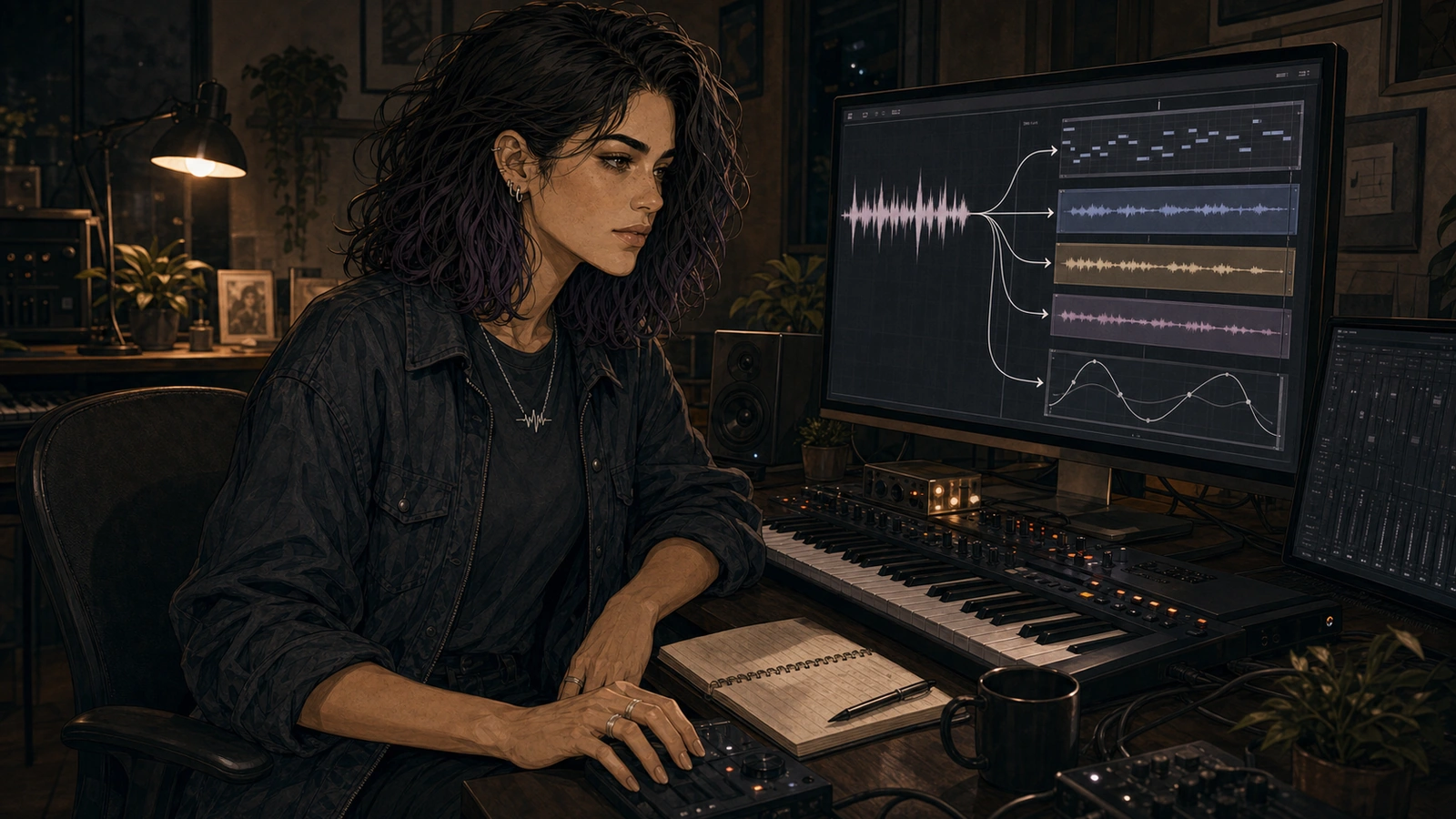
Suno’s latest Studio rebuild puts MIDI, stems, automation, effects, and generative tools on the same timeline. The bigger change is not the feature count. It is what the creator gets to do between asking for music and accepting the result.
By Cass Navarro, an ACL Tracks editorial voice focused on AI-native production and experimental workflows

For most people, the defining Suno interaction has been brutally simple: describe a song, wait, listen. If the result misses, change the words and roll again. If it gets close, download it or keep generating until something else lands closer to the idea.
That loop can be fast, addictive, and creatively useful. It can also make the creator feel like a very opinionated customer at a vending machine. You choose. You reject. You ask for another one. The model does most of the work somewhere behind the glass.
Studio 2 changes the shape of that relationship. Suno still generates audio, obviously, but generation now sits inside a browser production environment with MIDI tracks, a piano roll, recorded audio, stem separation, automation, real-time effects, a built-in wavetable synth, and a Chat Bar that can make changes inside a project. The result does not have to remain one sealed object. It can become material.
The feature list is not the story. “Suno added DAW features” is true, but flat. The more interesting change is the space Suno is opening for creators: a meaningful middle between prompting and receiving.
The middle is where the music starts to feel owned
An audio generator is very good at collapsing decisions. Describe the atmosphere, instrumentation, voice, and structure, and it attempts to solve all of them at once. That collapse is part of the magic, and part of the distance. You may care intensely about the result while having no direct path to the bass note that bothers you, the fill that arrives too early, or the texture that should slowly disintegrate over eight bars instead of appearing fully formed.
Studio 2 opens some of those decisions back up.
Suno’s official documentation says MIDI can now be imported, recorded, and edited on the timeline. Notes can be drawn in a piano roll, played from a computer keyboard or compatible controller, quantized, resized, and adjusted for velocity, pitch bend, and modulation. On their own, those are ordinary production-software behaviors. The MIDI-to-audio part is what I keep coming back to: a MIDI clip can also become a prompt for generated audio.
So the creator can establish exact notes and rhythm, then ask the generative system to reinterpret that information as sound. Typing “melancholy guitar phrase” begins with a verbal target. MIDI begins with a musical object you can inspect and change.
The prompt no longer has to be a paragraph at the beginning of the process. It can be a clip, a selection, a performance, or a constraint. Hum something. Record it. Draw notes. Pull apart an existing mix. Ask for a new performance around material already on the timeline. The system can meet a creator at different levels of specificity without pretending that everyone wants the same amount of control.
There is still probability in the loop. Suno is not turning generation into a deterministic instrument just because MIDI went in. The output may still surprise you, ignore some of the implied feel, or solve the timbre in a way you would never have programmed. But now the surprise has something solid around it. You can change the notes, keep one variation, move the result, combine it with recorded audio, or try again without rebuilding the whole song from zero.
Musical constraint is more interesting than another layer of adjectives.
Generated songs can become sessions
The other important change is decomposition. A finished AI song tends to encourage finished-song thinking: like it, dislike it, extend it, remix it. A production session encourages smaller questions. What if the vocal disappears here? What if the kick stays but the rest of the drums change? What happens if the cleanest part of one take sits beside the ugly, unstable part of another?
Studio’s stem tools let creators split audio into components, including material imported from outside Suno. The separated parts arrive as aligned tracks that can be muted, rearranged, processed, or replaced. Take Lanes retain generated alternatives. Automation can move volume, panning, and effect parameters over time, and those moves carry into exported songs and stems.
None of this guarantees that a generated song suddenly becomes infinitely editable. Stem separation is still separation from a mixed signal. It does not magically produce pristine source tracks, and artifacts or ambiguity may remain even when the interface gives them their own lanes. But psychologically, the difference is large. Once the song can be split, cut, layered, faded, warped, and partially regenerated, the first output stops behaving like a verdict.
The supposedly imperfect intermediate states are often the useful ones. This is the kind of unfinished material I like: a separated vocal with a ragged edge, a generation that follows the MIDI contour but invents the articulation, two alternate clips that clash until one is cut in half. Production has always found techniques inside accidents. Studio 2 gives generative accidents more places to live before they are flattened into a final file.
Chat is more compelling when it can touch the project
The Chat Bar is another sign that Suno is thinking beyond the original request-and-result model. Suno describes it as a beta system that can create instruments or vocals, arrange a song, change sounds, help with mixing, and build custom effects. Talking to software is not the interesting part. We have enough boxes waiting for sentences.
What makes Chat compelling is its connection to production state.
Ask for an effect and Studio can build an internal real-time plugin, expose controls, let you revise it conversationally, and save it for other Studio projects. Those effects can be automated and mapped with MIDI Learn like the factory devices. Language does not merely request a piece of audio here; it can request a reusable system that changes audio. That feels native to the medium rather than AI pasted onto the side of a workstation.
Skepticism belongs here. A generated effect is not automatically a good effect, and a control with a plausible label is not proof that the processing behaves musically across every source. These tools will need listening, stress testing, gain checks, and probably a willingness to throw away strange builds. None of that makes them disposable. It is what happens when generation moves from making content to making tools.
The appeal is not “I never have to understand effects again.” It is almost the opposite. A creator can ask for an odd behavior, hear what appears, adjust it, automate it, and learn what the sound needs through interaction. The machine can produce the first mechanism. Taste still has to decide whether the mechanism deserves to stay.
It still isn’t a complete conventional DAW
The experiment has walls. Studio 2 cannot load VST or Audio Units, so every strange chain built from a creator’s existing plugin collection stays outside the room. That closed wall bothers me more as creative friction than as a missing checkbox. It cuts off combinations: a generated part feeding an odd old effect, a favorite spectral processor reacting to a Chat-built texture, Studio passing ideas back and forth with another environment in real time.
Suno documents no direct DAW synchronization or plugin-host bridge. Crossing that boundary means exporting songs, ranges, multitracks, or stems and continuing elsewhere. The route is workable, but it breaks the immediacy that makes an experimental environment feel alive. Access adds more boundaries: Studio is restricted to Premier subscribers, Suno recommends current Chrome, mobile devices are not supported, and Safari lacks Web MIDI support. Any one of those may be manageable. Together they decide where the experiment can happen and which tools can join it.
Timing is harder to shrug off. Suno’s own Studio 2 documentation warns that newly generated material can fall slightly ahead of or behind the beat and recommends checking it against the metronome. When exact MIDI is being used to constrain probabilistic audio, instability at the beat damages the relationship between those two systems. The creator gains control in theory and cleanup in practice.
The production system is less documented than mature desktop software in other ways, too. Suno does not publish exhaustive engine, routing, performance, or session-scale specifications. I care less about a missing wall of numbers than whether the environment can keep an idea moving, but the gaps still leave open questions about reliability in larger projects. Studio exports 32-bit/48 kHz multitracks and stems; that specification does not tell us how the system behaves under every production load.
“DAW replacement” remains the least useful frame for Studio 2. It invites a checklist fight that Suno cannot win and misses what Suno is actually building. I care less about Suno copying Ableton than I do about what happens when MIDI becomes a generative constraint, or when a sentence becomes an effect that can be automated. A conventional DAW starts with precise tools and asks how AI might enter them. Suno starts with generation and is constructing a production environment around it.
Those paths may converge. They are not the same path.
From answer machine to creative material
Studio 2 matters because it changes what a generated result is for. The song can still be the answer. Sometimes that is exactly what someone wants. But it can also be a sketch to split, a performance to translate into MIDI, a set of parts to rearrange, or one layer in a session that includes played notes and recorded audio.
That does not settle every argument about AI music. It does not make the model transparent, fix timing, open the plugin ecosystem, or replace the finishing environment a producer already trusts. It does make the creative relationship less passive.
The creator’s role expands from describing and selecting into structuring, performing, processing, and deciding at a finer scale. Not total control. More points of contact.
That is the version of AI music production I want to watch: not a machine that becomes better at handing over a polished object, but a system that gives us stranger, more direct ways to interfere with what it makes. Studio 2 is incomplete, closed in important ways, and still carrying a few problems that strike at its production ambitions. It is also the clearest sign yet that Suno wants creation to happen after the prompt—not only inside it.
Sources and verification notes
Material product claims in this draft were checked against official Suno sources on August 17, 2026:
- Introducing Studio 2.0 — launch date, MIDI-to-audio generation, Chat Bar beta, effects, custom plugins, automation, export quality, and Premier availability.
- Introducing Suno Studio 2.0: technical overview and FAQ — supported environment, MIDI/audio workflow, stem separation, exports, DAW interoperability, VST/AU limitation, and acknowledged generation-timing issue.
- MIDI in Studio — piano-roll editing, MIDI recording, hardware control, and MIDI Learn.
- Audio Effects and Plugins in Suno Studio — real-time effects, Chat-built internal plugins, automation, reuse, and third-party-format limitation.
- Automation in Studio — supported automation parameters and export behavior.
- Suno pricing — current Premier-only Studio access and current model availability by plan. No subscription price is stated in the article body because it is not necessary to the argument.
- Suno invite friends — Invite people and earn credits.
Editorial interpretation: The claims that Studio 2 creates a more meaningful “middle” between prompting and receiving, changes generated songs into creative material, and represents a different architectural path from conventional DAWs are Cass Navarro’s editorial analysis. ACL Tracks has not supplied evidence of a hands-on Studio 2 test, and this draft makes no claim that Cass personally performed one.
